
Building Rush CMS: How is my Headless CMS Design System?

Developing a Headless CMS from scratch is not just about CRUD; it is about managing complexity, ensuring visual consistency at scale, and making technical decisions based on ROI. Rush CMS was born from both a personal and market need. Its foundation was built on the principles of Design Systems and Clean Architecture.
In this post, I am lifting the hood on the design and infrastructure decisions that sustain the project in production today. Get ready to see why every component of the engine was deliberately designed. It is worth noting that Rush CMS — for now — is a closed project, for internal use only.
But why on earth build a CMS from scratch when WordPress, Strapi, Contentful… already exist?
It is a fair question, and it was the first thing I asked myself when I started. But the answer is simpler than it seems: I am not reinventing the wheel — I am choosing the right wheels. I needed a headless CMS that was:
I tested the other options. WordPress starts with structural limitations — even with the excellent Sage, it is not truly headless, and the REST API is… let’s just say, an experience. Strapi? Node.js without native multi-tenancy; they recommend multiple instances. Contentful? Prepare for heavy lock-in and per-tenant pricing. All of these alternatives are excellent at what they offer. I am not competing with them.
Rush CMS was built for agencies and platforms that need to manage dozens of client websites within a single instance, with real isolation and native internationalization. I am currently running client tests before scaling publicly.
Meet the Anatomy of Rush CMS
Before discussing decisions, let’s dive deeper into the design system in a clear and direct way. If you want to explore what Rush does in more detail, visit the official website: https://rushcms.com
What Is Used?
-
Gateway
- Interface built with Filament
- Agnostic API with protected endpoints, delivering pure JSON to the front-end
-
Engine
- App powered by Laravel 12 + PHP 8.4 (Strict Typing + PHPStan level 5)
- Performance via Laravel Octane (Swoole)
-
Data Persistence
- PostgreSQL (JSONB for flexible Collections)
- Redis for queues and caching
-
DevOps
- Docker
- Coolify
- Hetzner
-
CI/CD
- GitHub Actions running 600+ tests (Pest)
- Pint
- PHPStan
- Frontend Build
Background and Workers
-
Image Job: Upload to S3 → Resize Worker → WebP conversion → CDN
-
i18n Engine: The CMS is i18n-first; it natively supports multiple content languages using Spatie integrated into the Models for on-the-fly translation
-
Integrations:
- Internal consumption API for websites
- Google Analytics OAuth2
-
Observability & Reliability:
- Google Analytics
- Deployment webhooks (for static sites)
- Triple backup layer (Spatie, Hetzner, Coolify)
Now that you know what it includes, let’s understand why it was built this way.
The Design System as a Pillar of Scalability
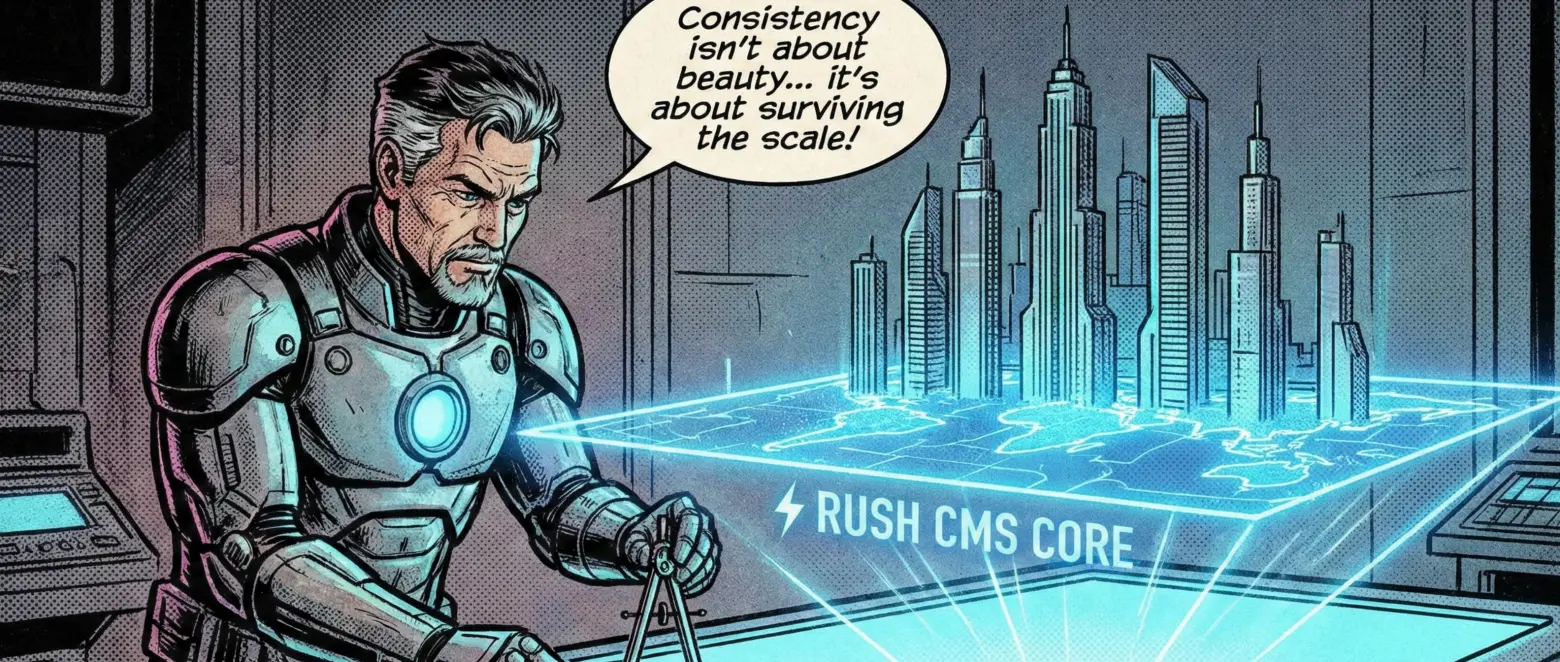
In the early days, it was common to start with the database. I started with consistency. For a multi-tenant CMS, the Design System is not about aesthetics — it is about operational efficiency. First, I must document everything I need before writing a single line of code.
On Filament and Tailwind
I leveraged the Filament ecosystem to inherit a robust component system for the control panel. This allowed me to focus on what is core to the business: Custom Blocks, Collections, Databases.
Here is a confession: I would have LOVED to fully decouple the frontend and use pure React, but that would have been a poor decision for what the project required. So — reluctantly, but pragmatically — I stayed with Filament, a technical decision based on ROI, ensuring native accessibility and usability without reinventing stable UI patterns.

Contract Driven Design
The intelligence of the Design System lies in the API schema. Users can create dozens of custom blocks, but the responsibility to “understand” and render those blocks belongs to the decoupled frontend.
The CMS dictates the data structure, and the API consumer implements the visualization. This strict contract ensures that new content types can be created without breaking the visual integrity of the final product. It is an excellent way for the frontend developer to build an extremely dynamic website through the control panel while implementing the frontend with their own technical preferences.
Technical Decisions and Trade-offs
Here, my focus was to minimize Time-to-Market without compromising quality.
Multi-Tenancy and Zero Trust Isolation
The multi-tenancy architecture was implemented with full emphasis on tenant decoupling via the Filament Shield package. There is no default “Super User” with unrestricted access to all client data.
If my access is revoked by a site administrator, the isolation is complete. It is a design choice that prioritizes client data sovereignty over developer convenience. For contractual monitoring, the only access I retain is: S3 storage usage and API request metrics.
Performance with Laravel Octane
This decision can be interpreted in different ways — premature or correct. Why is it correct? Rush CMS was designed to serve multiple sites in real time, whether SSR, ISR, or SSG. Refactoring the platform later with 100+ sites running simultaneously would create more work than preparing for it now. Even if I were not using Octane immediately, I would still need to write the system to be Octane-ready, handling state and memory concerns properly. That alone justifies adopting in-memory performance early.
The migration to an in-memory server with Octane in commit #247 was strategic. It paves the way for higher scale. I am currently collecting production metrics with test clients to validate real-world impact on latency and throughput.
Postgres and JSONB
The flexibility required by a CMS with dynamic collections demands mutable schemas. Using JSONB in Postgres allowed me to combine NoSQL-like flexibility with the safety and integrity of the relational ecosystem powered by Eloquent ORM.
Software Quality and Feedback Loops
A production system with real clients cannot be fragile.
Testing Strategy
Rush CMS currently has 600+ automated tests (Pest). It is still far from full coverage, but it protects the entire core system. The focus is not vanity coverage metrics, but safeguarding pricing logic, permissions, and multi-tenancy integrity.
Code Integrity
Currently at PHPStan Level 5, with a roadmap toward Level 8/9 (I am eager to push it there soon). Keeping the code strongly typed and statically analyzed allows me to deploy daily with higher confidence (CI/CD has been in place since day one).
Image Pipeline
I implemented a WebP optimization pipeline via S3 from the very beginning. Refactoring media pipelines after accumulating thousands of files is a migration and cost nightmare. I solved this as a core feature early, ensuring lean S3 storage and avoiding inevitable future refactoring.
ROI Lessons
What would I do differently? It is important to learn from your own mistakes to avoid repeating them. The two mistakes I will mention are similar in nature: in different contexts, I tried to reinvent the wheel.
- i18n: I attempted to build a custom translation system before migrating to Spatie Translatable. Lesson: use battle-tested solutions for common problems.
- Internal Analytics: I built a full analytics engine before realizing the product focus should be the CMS itself, not monitoring. I replaced it with native integrations (Google Analytics/OAuth2), saving maintenance hours.
What Do I Think About Rush So Far?
Rush CMS is proof that speed and quality are not mutually exclusive, provided you have a solid Design System and a rigorous testing strategy. The project continues to evolve, with medium-, long-, and very long-term plans already outlined.
Feedback from clients testing the platform has been positive. There is still significant work ahead. Regarding Performance Metrics, I am collecting real production data on performance and behavior from test clients. A future post will present real benchmarks for latency, throughput, and resource consumption. It would not be honest to speculate on comparative numbers without sufficient time-series data.